Why is this happening? If you subscribed using "Sign in with Apple" and selected "Hide My Email," your account is linked to a private @privaterelay.appleid.com address. If you try logging into your TV or second device with your standard personal email, the system assumes you are a new user and asks you to pay again.
How to Fix It: Update Your Email Inside the App. To easily log in on other devices, you can update your account to your real email address. (Note: Once updated, the "Sign in with Apple" button will no longer function, and you will log in using your real email moving forward).
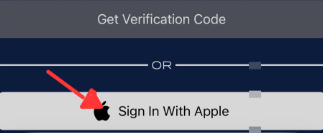
Log into the mobile app using Sign in with Apple
Navigate to Account Settings.
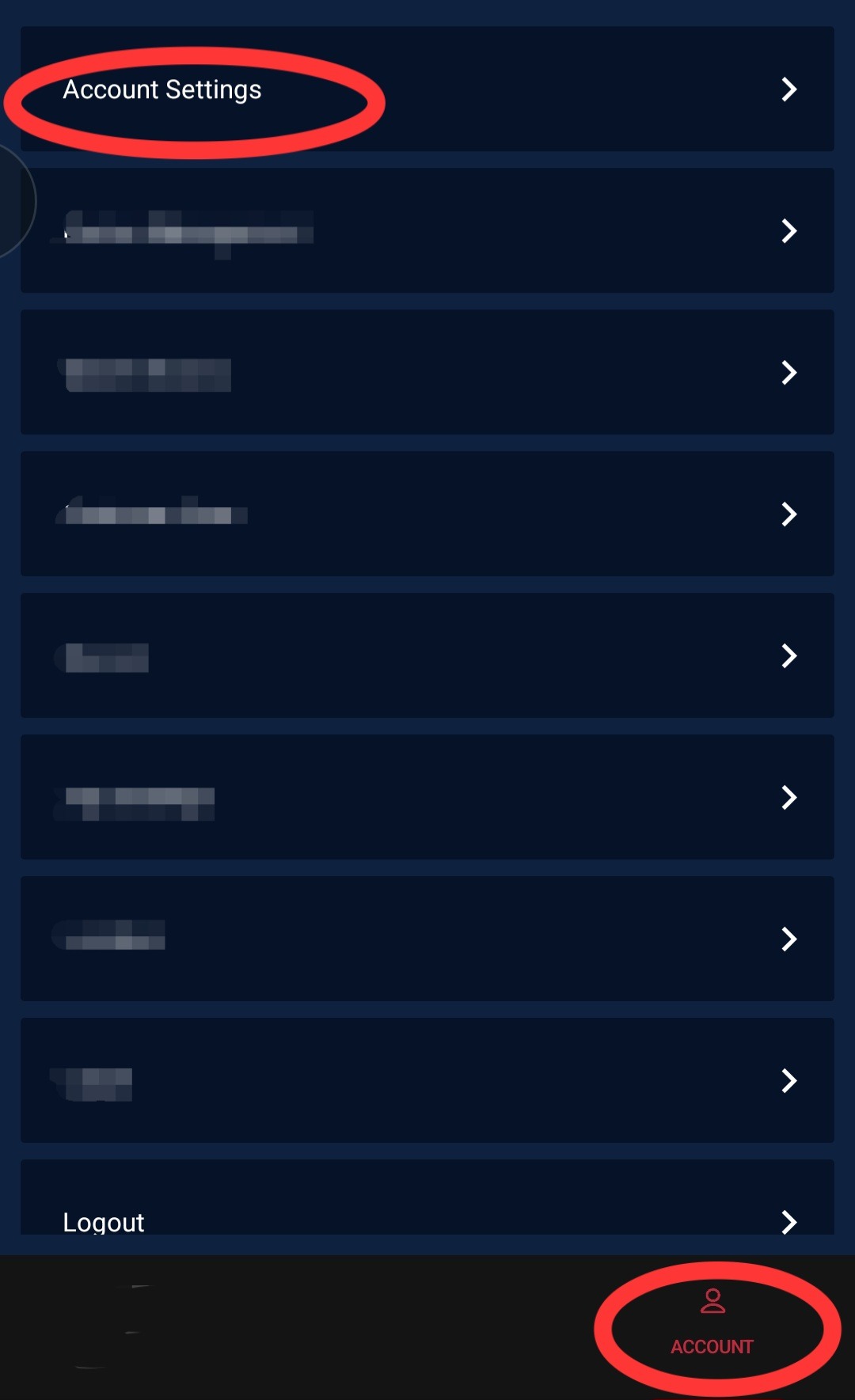
Click the pencil icon next to the displayed email address.
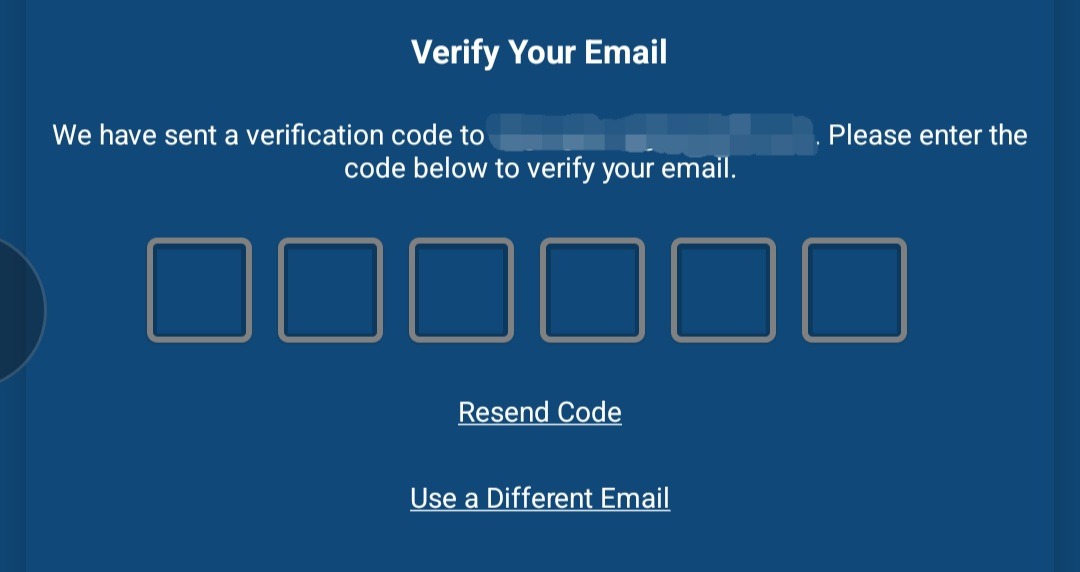
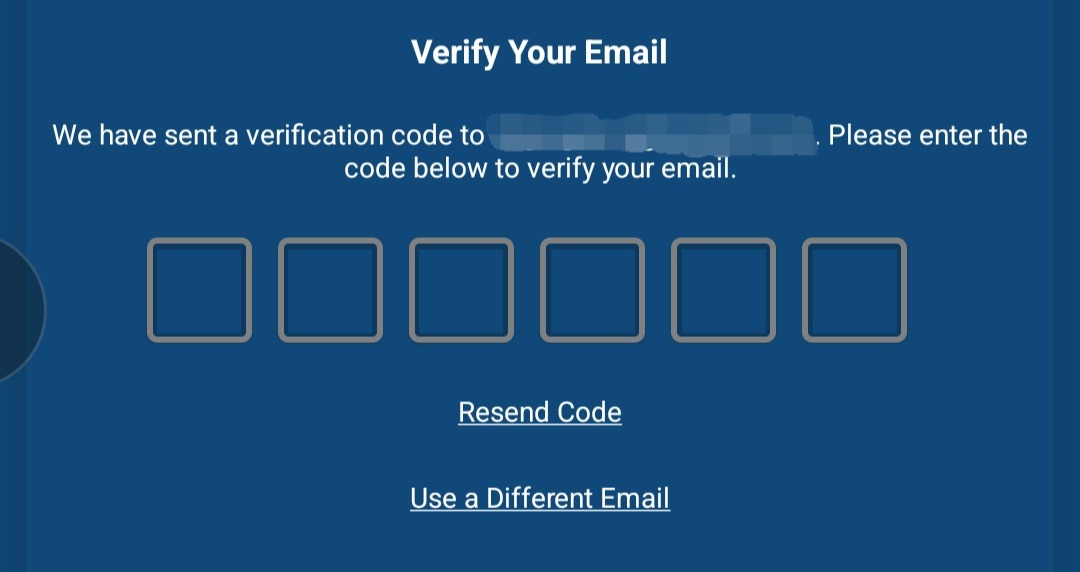
Select Get OTP (One-Time Password). A 6-digit code will be sent to the current email address.


Check your inbox for the current email and paste the 6-digit code.
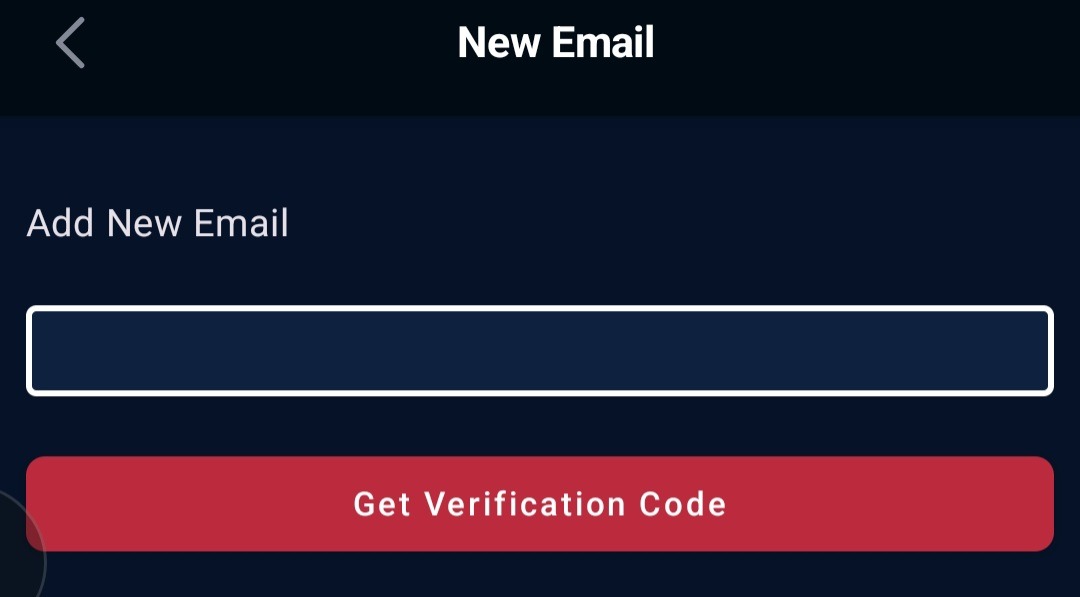
Enter the new email address in the designated box.
Click Get verification code a second time to send a code to the new email address.
Paste the 6-digit code sent to the new email.
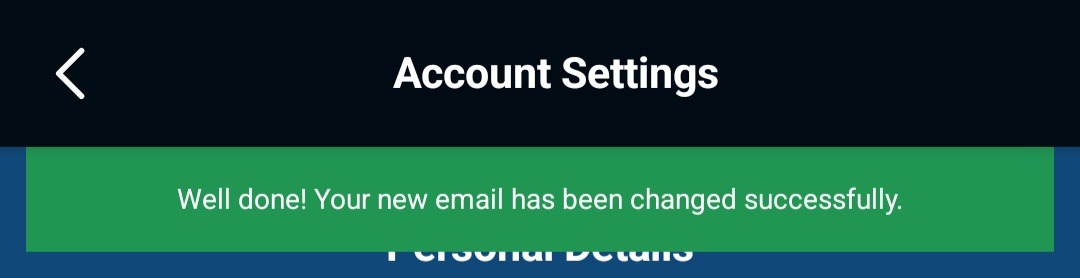
A success message should confirm the change, and you will be returned to your account settings page.
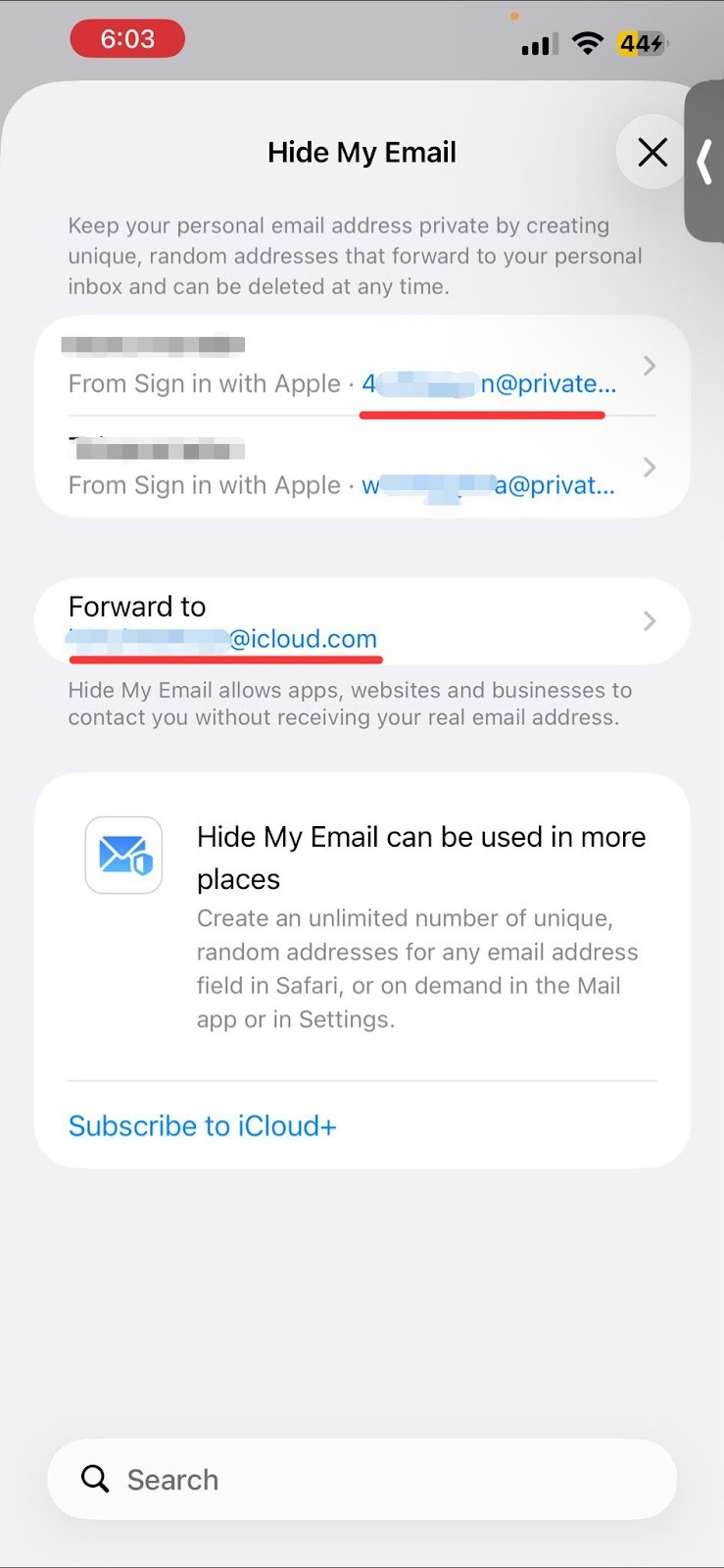
Another option is to change where Apple forwards your emails. If you want to keep the hidden email (@privaterelay.appleid.com), but want Apple to forward the messages to a different personal inbox:
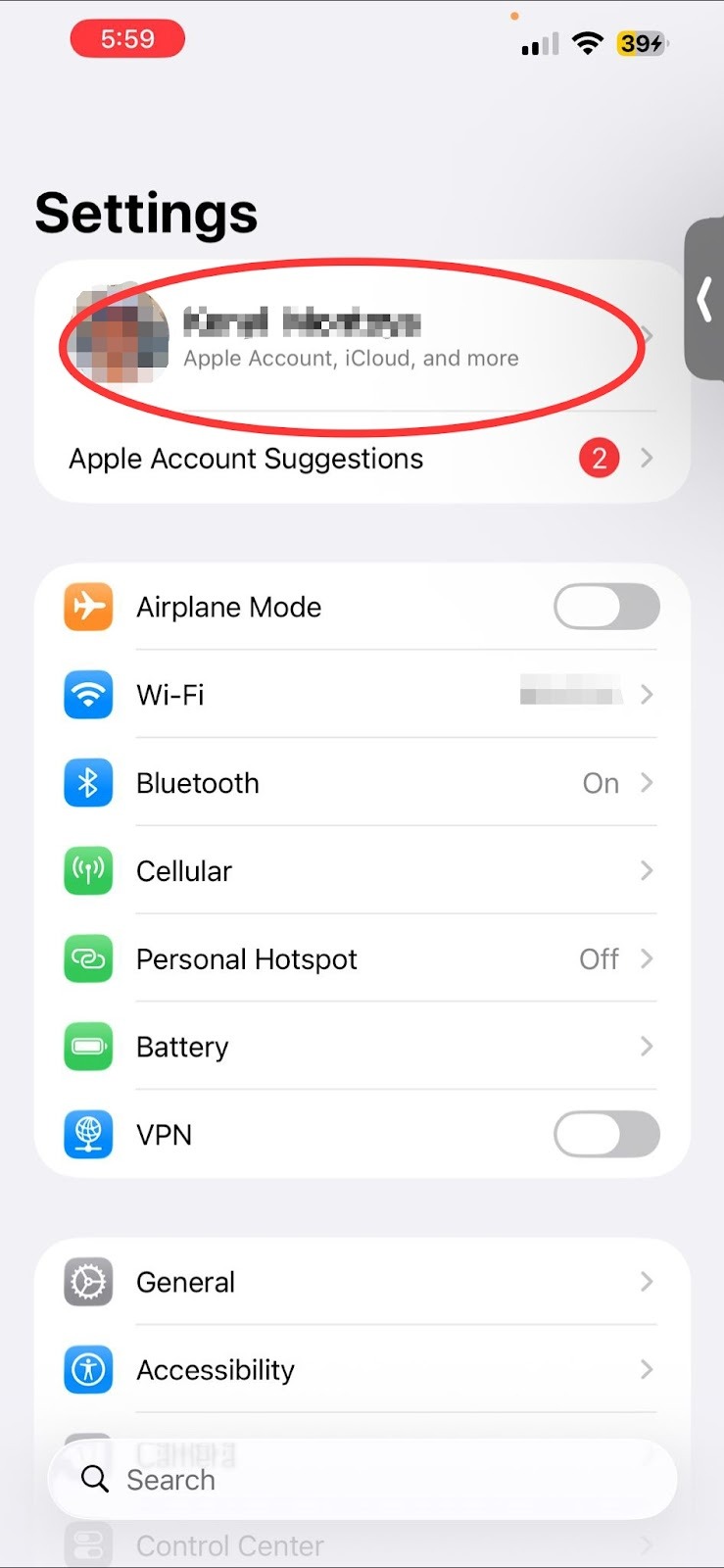
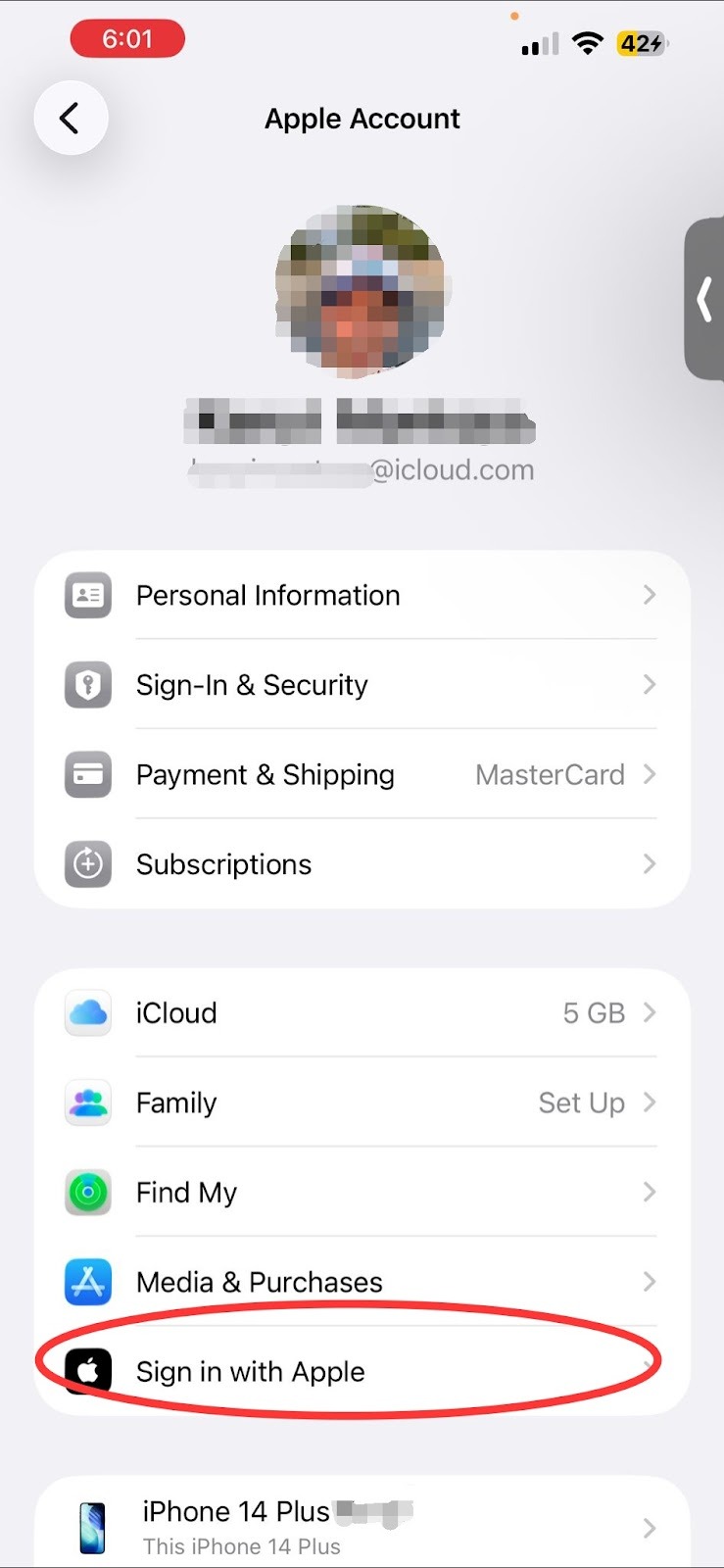
On your iPhone/iPad, go to Settings > [Your Name] > iCloud.
Tap Hide My Email.
Scroll to the bottom, tap Forward To, and choose your preferred email address.
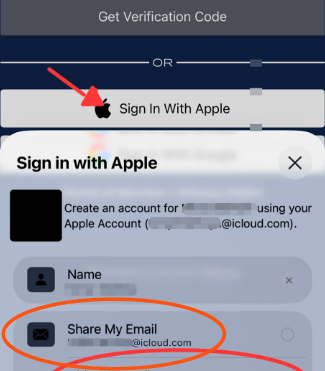
Signing Up for the First Time? To use the convenience of the Apple login button but ensure the app gets your actual email address:
When the Apple prompt appears during sign-up, simply select Share My Email instead of "Hide My Email."
If these steps do not resolve the issue, please contact us directly and include both your personal email and your Apple Private Relay email in your message.
For more information, please follow this link: How to use Hide My Email with Sign in with Apple
Was this article helpful?
That’s Great!
Thank you for your feedback
Sorry! We couldn't be helpful
Thank you for your feedback
Feedback sent
We appreciate your effort and will try to fix the article