When you visit the site, a popup will ask: "SCHN+ wants to know your location." You must click Allow.
If you blocked it by mistake:
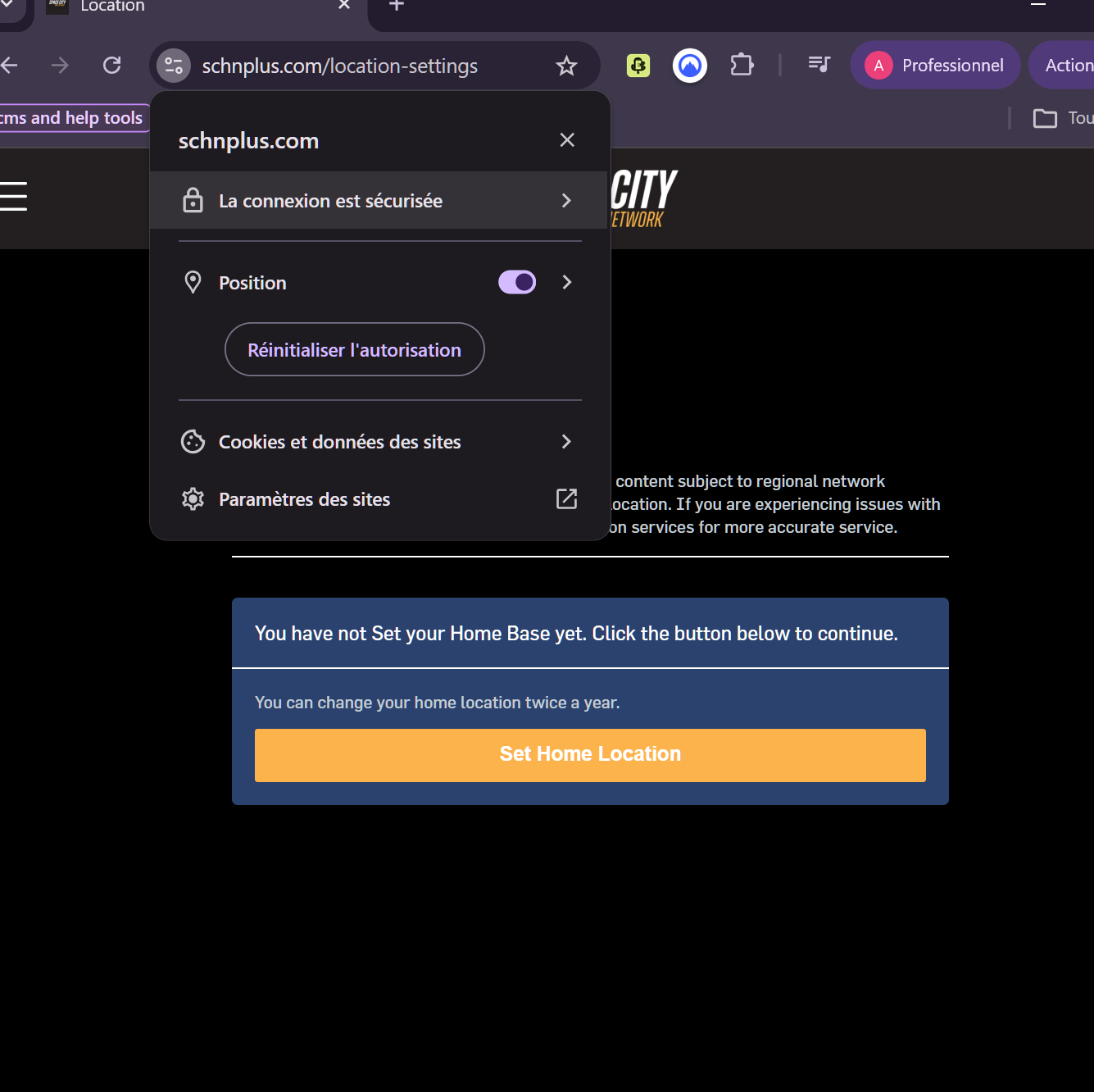
Click the Lock Icon ? next to the website URL or the location one. This depends on your webrowser
Find "Location" and toggle it to On or Ask.
Refresh the page.
Was this article helpful?
That’s Great!
Thank you for your feedback
Sorry! We couldn't be helpful
Thank you for your feedback
Feedback sent
We appreciate your effort and will try to fix the article