To find out if you are currently in-market, visit CHANNEL FINDER | SCHN
The SCHN+ app automatically detects your location using your device's location services. You must enable location services for the app to work. If you are using a smart TV, you may also need to check your TV's main settings (e.g., Settings > Preferences > Location) to ensure your zip code is set correctly.
If you’re experiencing issues with location accuracy in our app, please follow these steps to ensure everything is set up correctly:
Use Your Mobile Device: Ensure you are accessing the app from your mobile phone.
Enable GPS: Check that location services (GPS) are activated on your device.
Log in to the App: Open the app and log in to your account.
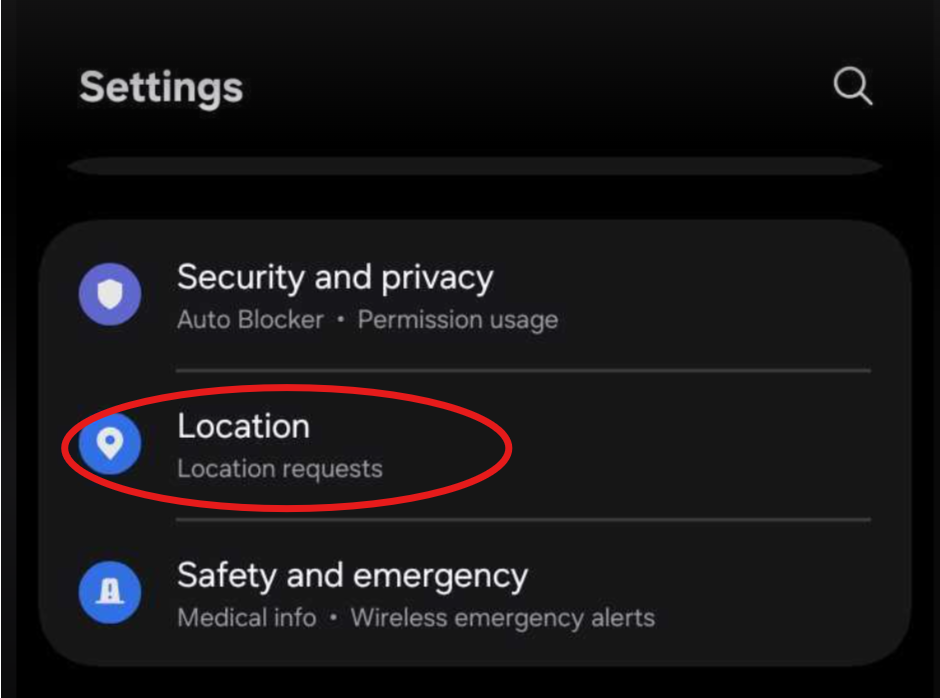
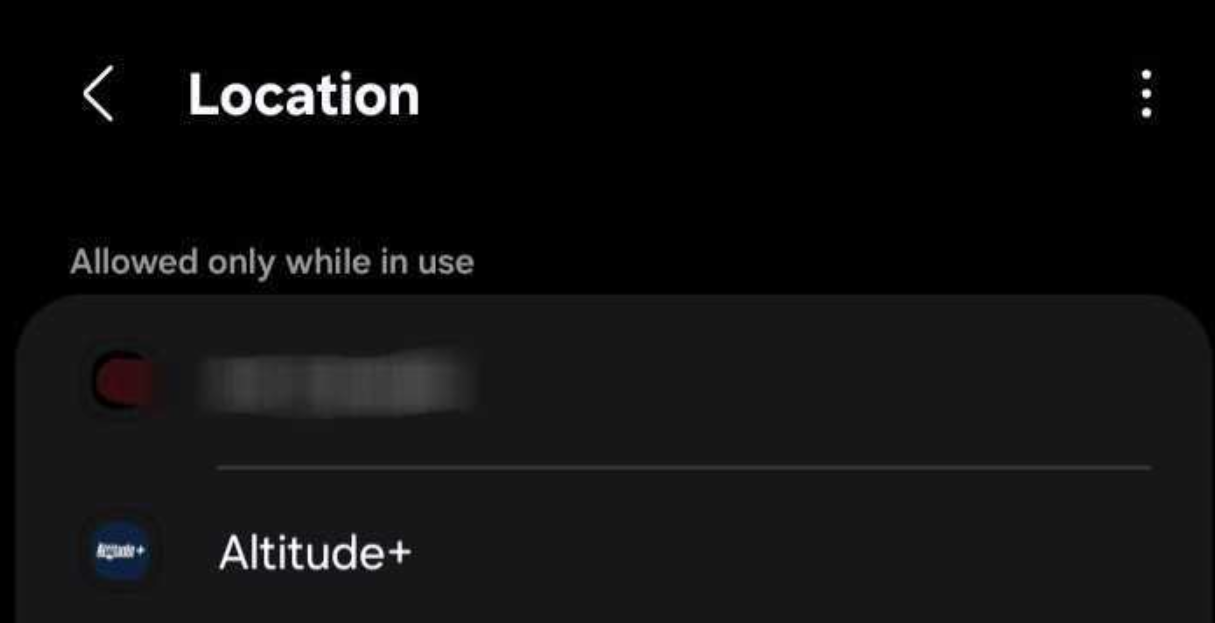
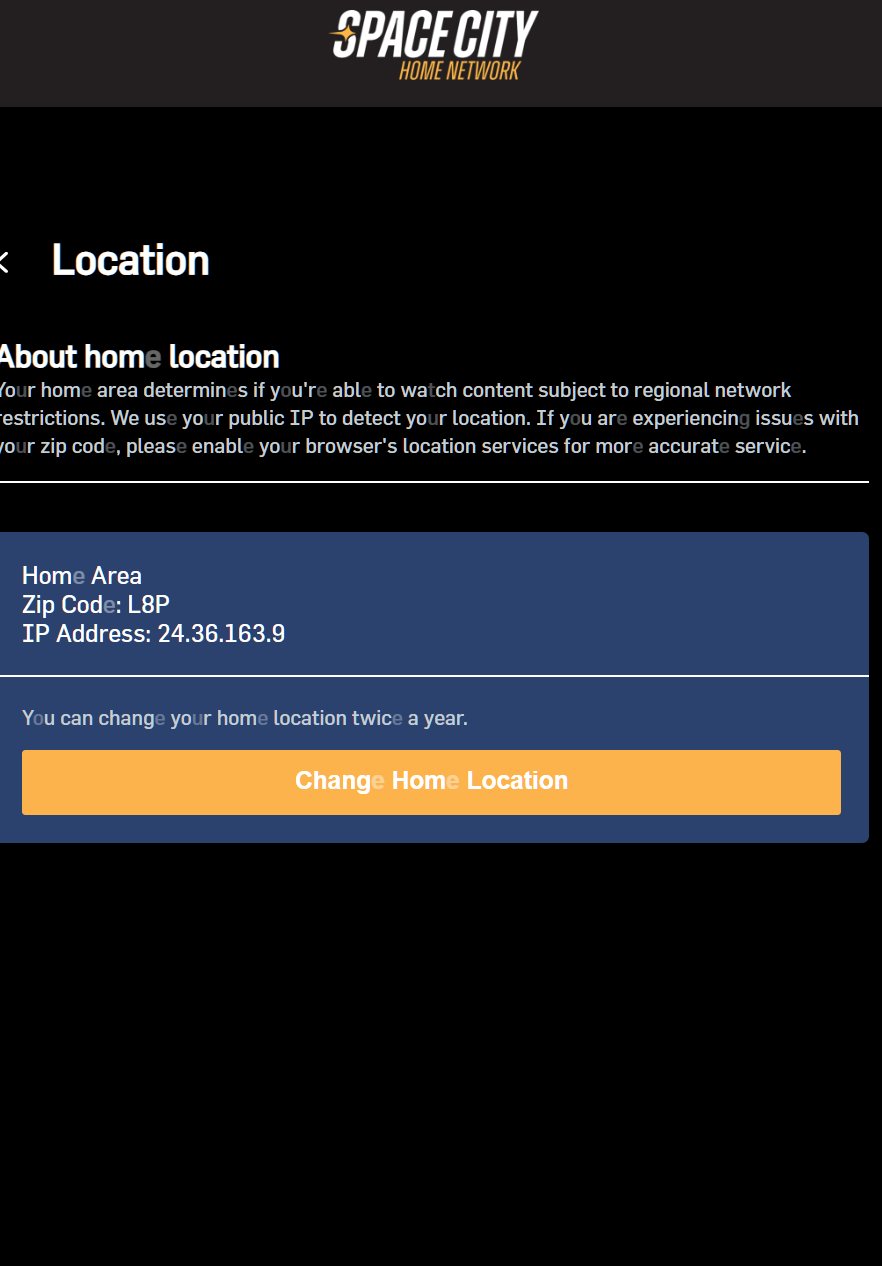
If the location shown is still incorrect, you can manually update your home location:
Go to Account > Location > Change Home Location.
Select your correct home location and then tap Confirm.
If you are using Starlink, please ensure you access the app on a mobile device with GPS capabilities, and allow the app to detect your location for proper functionality. We recommend using a device connected to your home Wi-Fi network to verify accurate service eligibility.
Please note that you can change your home location up to twice a year.
Different devices detect location in different ways. Please find your device below to ensure it is set up correctly.
Was this article helpful?
That’s Great!
Thank you for your feedback
Sorry! We couldn't be helpful
Thank you for your feedback
Feedback sent
We appreciate your effort and will try to fix the article